
We have complete a number of courses on AI that we highly recommend.
Tiny ML
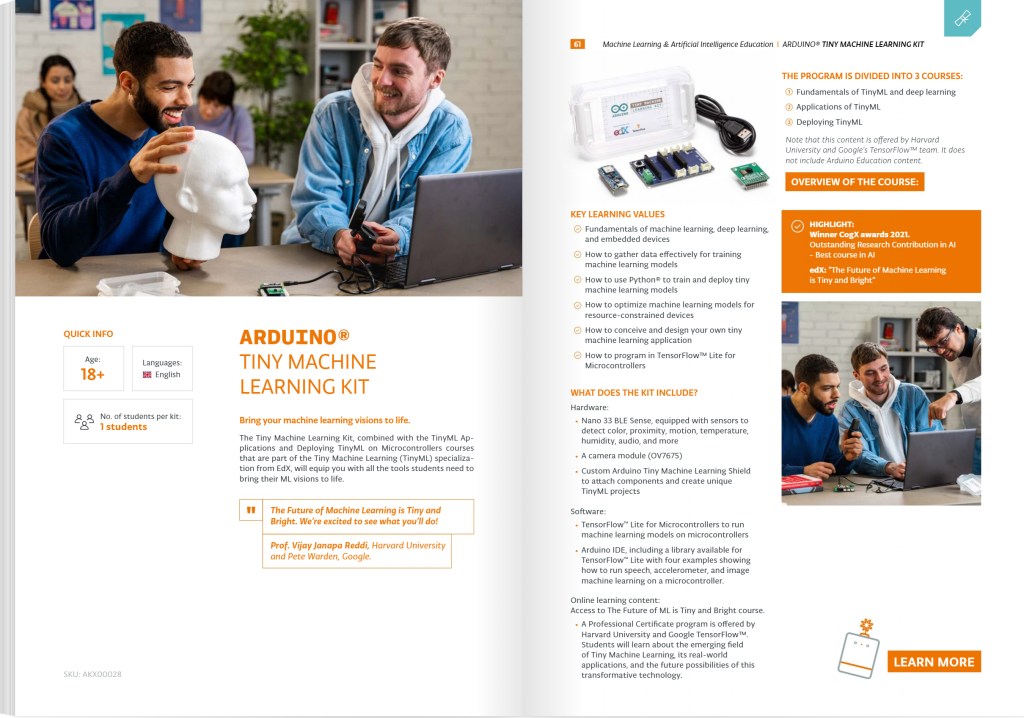
A set of courses with the option to gain a Professional Certificate, run by Harvard and Google, is available and free from EdX. It is a set of 3 courses covering TINY ML (embedded machine learning). It is excellent and has won awards. Not only is it useful for those looking to move into Machine Learning on Microcontrollers but also provides an excellent introduction to Machine Learning using Deep Neural Networks and Convolutional Neural Networks. The course uses TensorFlow, TensorFlow Lite and TensorFlow Lite Micro.
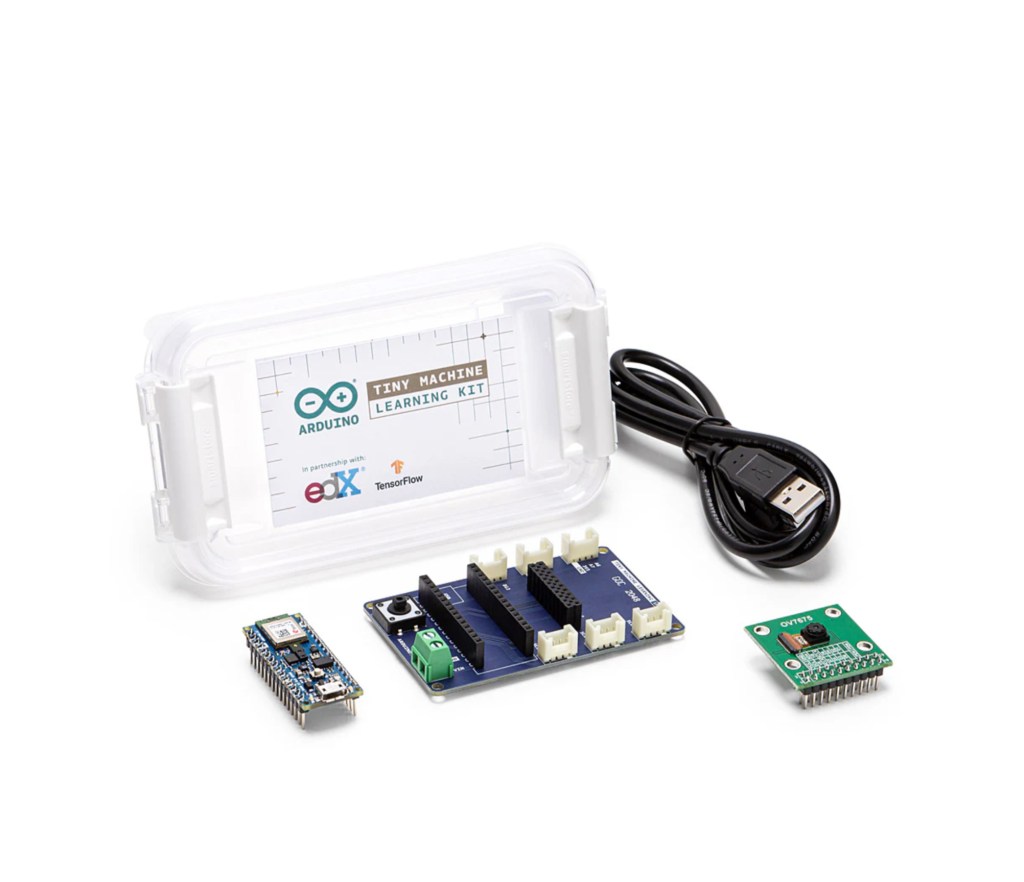
The set of courses is free but to undertake the coursework, in the 3rd course which covers running a ML Model on an Arduino, you will need an kit containing an Arduino Microcontroller, an interface board and a camera for the Arduino. We have the kit at the Innovation Centre.
Introduction to Machine Learning and AI
This is another EdX course that can be found on their site or on the Raspberry Pi site.
The course is free.
In addition to comprehensive sets of slide, course work and notes for educators and students is provided.
We have supporting information available.
Machine Learning for Kids
This is on the Raspberry Pi site.
It covers how to include machine learning models within a Scratch program.
I’ve taken it a stage further by using Background Images and Sprites, created using AI Image Creators, which are used alongside the ML Models. The example I found most interesting was the Rock, Paper, Scissors game where you train a ML Model to recognise your hand gestures. The game runs in Scratch and switches on the laptop camera when its your turn so that you can use a gesture to indicate you move. There are lots of interesting Models to try out. For more experienced learners it provides a good introduction into training AI models within a simple environment.
You can access the site directly, machinelearningforkids.co.uk, and try out a wide range of machine learning models. However, the examples on the Raspberry Pi site work differently.
The examples on the Raspberry Pi site integrate a number of machine learning resources, rather than purely using MLforkids. I used Raspberry Pi approach.
Google’s Teachable Machine was used to train the model to recognise hand gestures (rock, paper scissors). MIT Raise, Raise Playground was used for the Scratch platform that integrates AI through an extension. MLforkids was used to create the Scratch program.
Purely using MLforkids, is the best approach for those new to AI.
It is important to note that Scratch makes use of AI through Extensions. It also accesses physical devices through extensions. The available extensions are dependent on the Scratch platform. So you can’t run AI on a standard Scratch platform, you must use MLforkids, Raise Playground or an alternative AI platform. If you wish to integrate a robot, you will need to use a platform that supports AI and also the robot you are looking to use. Integrating robotics is simpler if you use Lego EV3, Boost or WeDo as they are generally supported. MicroBits are also supported by Scratch but you have limited functionality. If you run Scratch on a Raspberry Pi you have access to far more robotics, but it isn’t simple.
Teaching Teens Computing – AI for Educators
This is provided by Raspberry Pi using edX. It is quite a simple and relatively limited course but is an ideal starter for teachers looking to introduce AI or understand the issues and opportunities for students using common Chatbots and AI apps. There is a forum for educators to discuss their concerns.
 Southport Innovation Centre